
Photos & videos
View photos and play videos inside the vault.
Private file vault for iPhone & Mac
Keep photos, videos, documents, and any other files in a password-protected vault, encrypted on your device.
Download links will appear when the platform releases are available.
Vault files stay on your device.
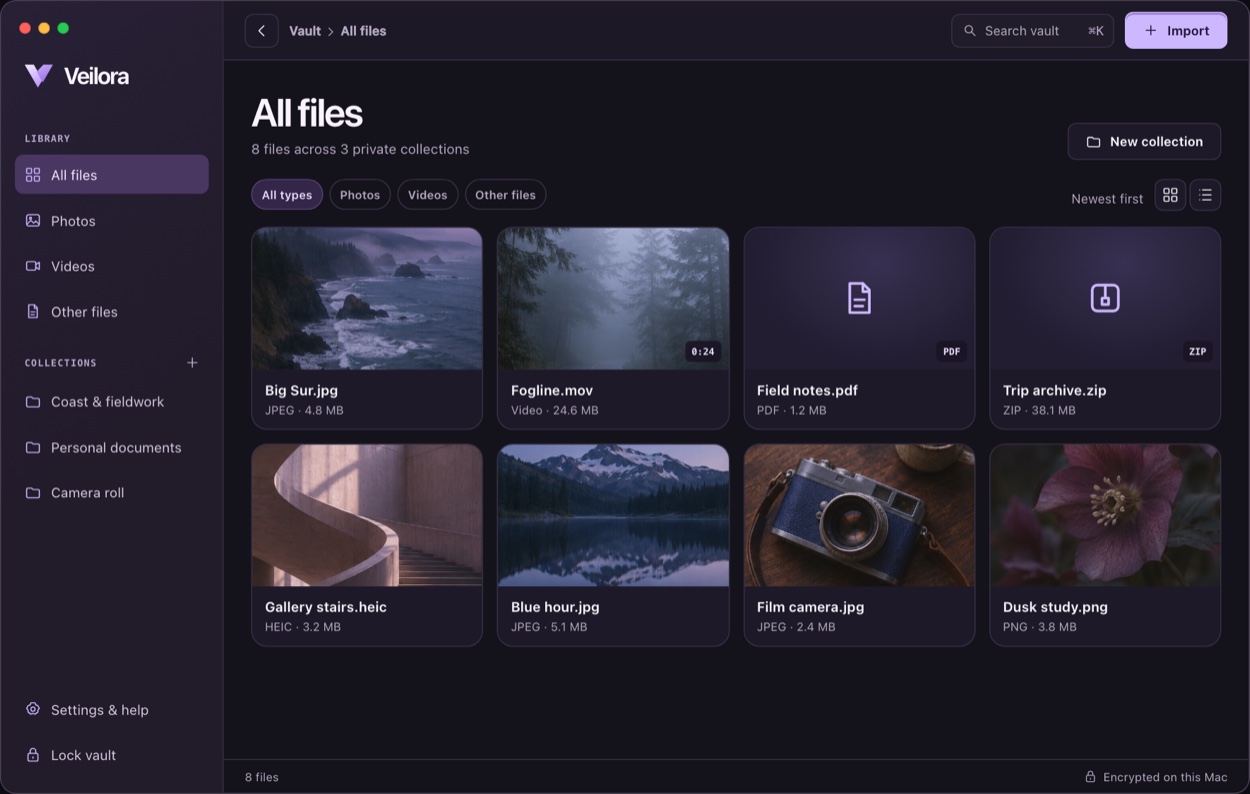
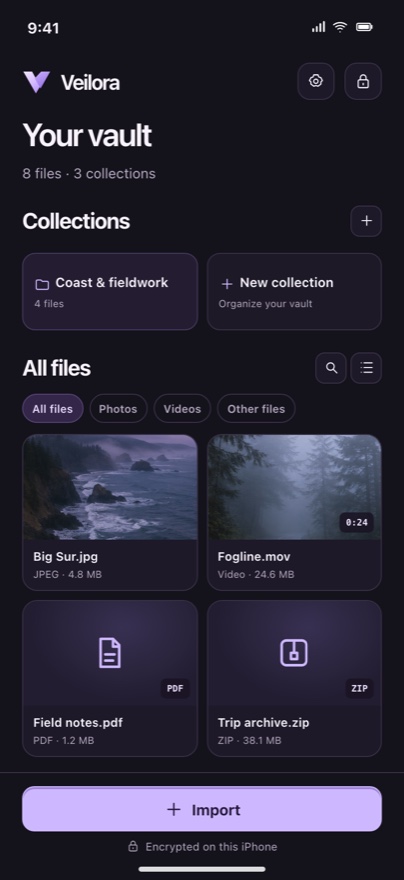
The private library
Keep vacation videos, scanned agreements, and other private files in collections that make sense to you.
View photos and play videos inside the vault.
Preview supported formats, including PDFs.
Keep archives and other files encrypted.
How it works
Bring in media from Apple Photos or select files from Files or Finder. Veilora verifies each encrypted copy.
Group related files, then find what you need by name or file type.
Restore to Photos, export to Files or Finder, or send a copy by AirDrop. Recipients can open the exported file.
Privacy & access
Each device has its own encrypted vault. Your account signs you in on both platforms. You can share a file to the other device and import it there.
Veilora has no vault password reset. If you forget the password you set on that device, you may lose access to its files.
Yes. Export a decrypted copy to Files or Finder, restore a photo or video to Apple Photos, or use the system share menu to send a copy through AirDrop.
Veilora for iPhone and Mac
Choose a device for your private vault.
Download links will appear when the platform releases are available.